
Guide
Poppy Playtime 5 Controls: Touch Layout, Sensitivity and Controller Setup
Every control in the Android chapter explained: movement stick, look drag, GrabPack triggers, Glowby toggle, sprint and crouch, plus sensitivity and controller advice.

Station Index On this page
The touch layout, control by control
The Android build of Broken Things keeps the first person layout clean, and the Broken Things download home control notes start with the map. Left side carries the virtual movement stick. The right side of the screen is your look drag. Context buttons for jump, crouch and interact appear where your right thumb rests, and sprint sits as a dedicated toggle within easy reach.
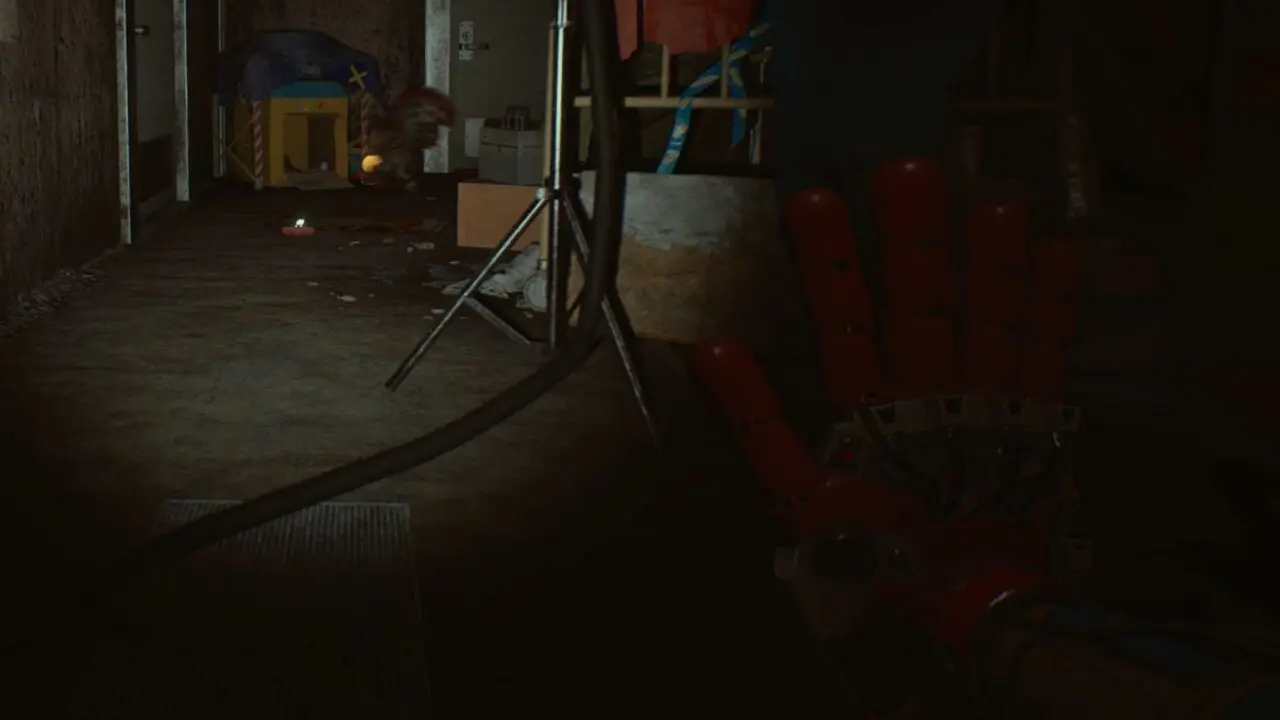
The GrabPack hands are the signature: two large triggers, left and right, so firing a hand never requires moving your movement thumb. Glowby has its own toggle button for the same reason: checking the dark should never cost you a hand.
Sensitivity: the two adjustments that matter
Raise look sensitivity one notch before Sweet Street. The Huggy memory freeze game grades quick, clean stops in the spotlight, and default sensitivity makes those stops mushy on smaller phones. Lower it back if the dollhouse exploration starts to feel slippery; precision beats speed at a puzzle table.
Stick size is the second lever. Players on compact phones should enlarge the stick slightly; missed sprint directions in the opening chase are almost always a stick that is too small for the thumb driving it.
Playing with a paired controller
A paired controller maps the chapter the standard Playtime way: left stick moves, right stick looks, triggers fire the GrabPack hands, and the face buttons cover jump, crouch and interact. Glowby sits on a shoulder button where a flashlight belongs.
Controller play shines in the chases, where twin stick turning is cleaner than drag look, and in the Stitchery, where hand swapping is constant. Touch shines in menus and fine puzzle aiming. Many of our test runs mixed both across one sitting, which the game allows without a restart.
Chase craft: control habits for the hunts
Broken Things grades three chase habits. First, straight line sprinting: stamina goes further on straights, so square your turns. Second, pre turning: start your look toward the next corridor before the current one ends. Third, freeze discipline in Lily game, where a single drifting step during silence is the fail state.
The sequences themselves are walked in the part guides, starting with Poppy Playtime 5 Walkthrough Part 1 and the dollhouse chase in Poppy Playtime 5 Walkthrough Part 3.
Quick Answers
How do I fire the GrabPack hands on touch?
Two large triggers sit on the left and right of the screen, one per hand, so you can fire either without moving your movement thumb.
What sensitivity should I use?
Start at default, raise look sensitivity one notch for Sweet Street spotlight game, and adjust back down for dollhouse puzzle precision.
Does the game support controllers on Android?
Yes. A paired controller maps movement, look, GrabPack triggers and actions to the standard Playtime layout.
How do I turn Glowby on and off?
Glowby has its own toggle button in the touch layout, and a shoulder button on a paired controller.